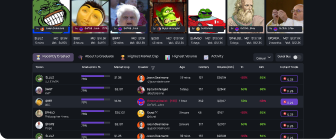
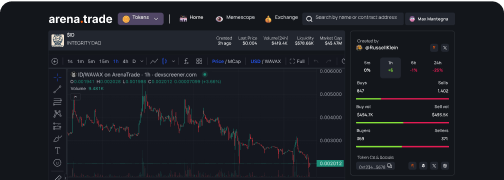
As we get ready for the V2 of Arena DEX, we are excited to offer
Arena.Trade as a progressive web app (PWA).
Install
Arena.Trade on your phone and launch it directly from your Home Screen by following the instructions below, with the same smooth experience as
Arena.Social.
⸻
📱 iPhone (Safari)
1. Open
arena.trade in Safari.
2. Tap the Share icon (square with an arrow).
3. Select “Add to Home Screen.”
4.
Arena.Trade will appear on your home screen — launch it like a regular app.
⸻
🤖 Android (Chrome or Brave)
1. Open
arena.trade in Chrome or Brave.
2. Tap the ⋮ menu (three dots in the top right).
3. Choose “Add to Home screen” or “Install app.”
4. You’ll now have
Arena.Trade as a shortcut on your phone — runs just like native.